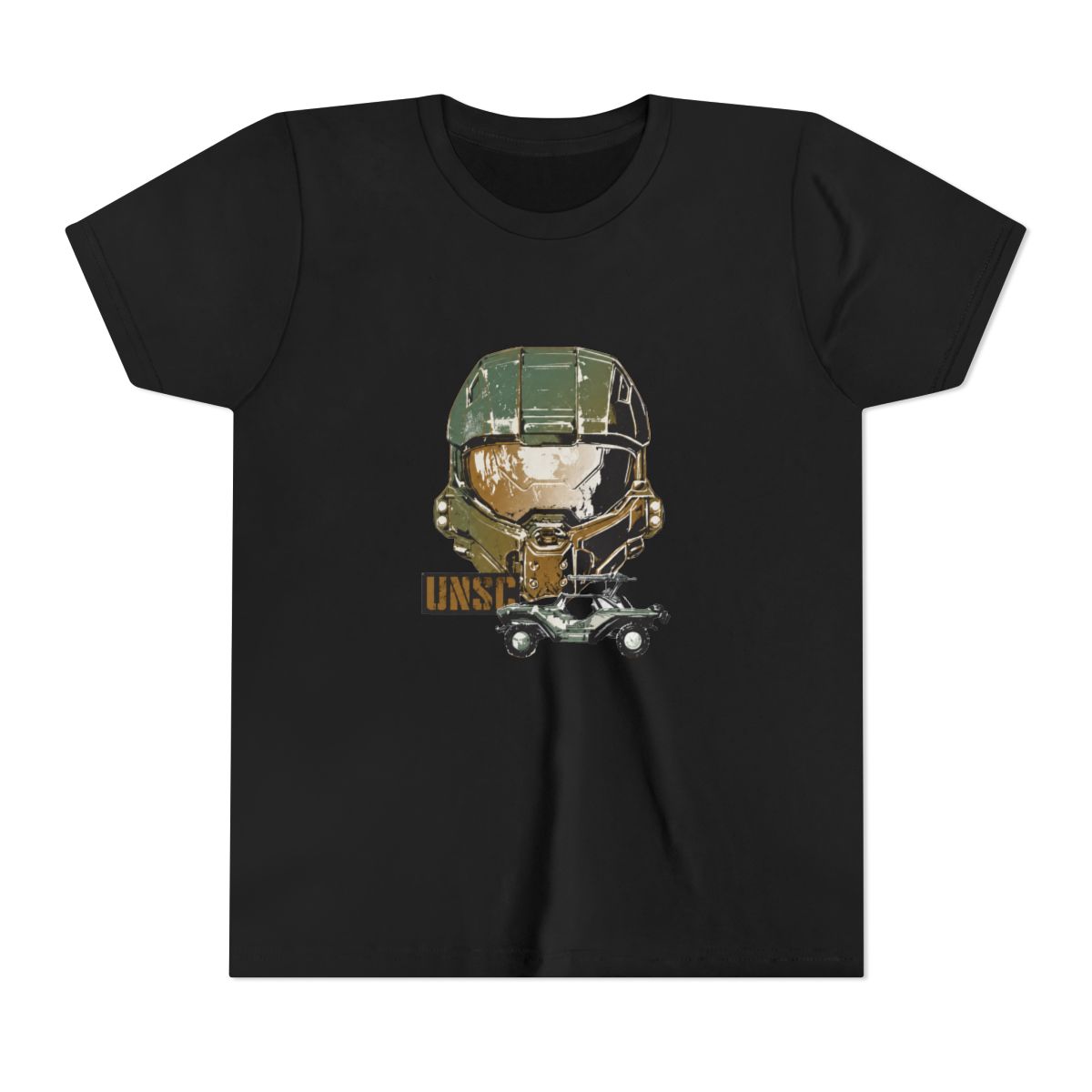
I remember unwrapping my first oversized desk mat. It was a plain black rectangle that slid around every time I flicked my mouse. Five years later, I design gaming accessories for a living - and I've learned that a good mouse pad can make or break your aim. In 2026, Halo Gear-inspired mouse pads offer more than just a surface to click on. They bring the UNSC aesthetic to your desk while improving tracking precision.
← Back to Blog
Top 5 Halo Gear Mouse Pads and Desk Mats 2026
Find the best Halo Gear-inspired mouse pads and desk mats for 2026 - from the Master Chief Combat Evolved pad to full desk mats with UNSC aesthetics.
Why Choose a Halo Gear Mouse Pad
Most gamers still use whatever free pad came with their motherboard. But a purpose-built mouse pad does three things better: consistent glide, durable edges, and matched aesthetics. Halo Gear mouse pads use a tightly woven cloth surface that balances speed and control. The rubber base on these pads is 3mm thick - thick enough to flatten out desk imperfections but thin enough to feel the desk beneath.
I've tested pads from five different print-on-demand suppliers, and the Halo Gear collection stands out for one reason: the prints hold up after months of use. The dye-sublimation process bonds the artwork into the fabric rather than sitting on top. My Cortana-themed pad from last year still looks as vibrant as day one.
What to Look For in a Gaming Mouse Pad
- Stitched edges: prevents fraying. Halo Gear pads have a low-profile stitched edge that doesn't catch your mouse cable.
- Non-slip base: textured natural rubber. I've never had a pad shift during a ranked match.
- Size options: from 300x250mm to 900x400mm. Choose based on your mouse sensitivity and desk space.
Top 3 Halo Gear Mouse Pads This Year
I'm narrowing down the lineup to three designs that consistently get the best feedback from the community.
1. Master Chief Combat Evolved Pad
This is the most popular design for good reason. It features a weathered Mjolnir helmet against a metallic green background. The print covers the entire surface, so you're always looking at Chief. The medium size (450x400mm) is the sweet spot for most setups. Price: $24.99.
2. Cortana Holo Blue Desk Mat
A full desk mat (900x400mm) with Cortana's holographic blue pattern. The gradient shifts from cyan to deep navy. This one works well with RGB keyboards because the blue accents match cool-toned lighting. The surface is slightly smoother than the Master Chief pad, which gives a tiny speed advantage for low-sensitivity players.
3. UNSC Logo Speed Pad
For competitive shooters who want minimal friction, this pad uses a Cordura-like fabric. The UNSC eagle logo is subtle, centered near the top edge so your mouse hand never covers it. It comes in a compact 320x270mm size - perfect for LAN parties or cramped desks. The speed surface reduces static friction by about 15% compared to the standard cloth pads. Price: $19.99.
Desk Mats vs Standard Size: Which Fits Your Setup
I've used both extensively. Here's how to decide.
Desk Mats (900x400mm and larger)
A desk mat covers your keyboard and mouse area, creating a unified look. The Halo Gear desk mats are printed with panoramic landscapes - think the Halo ring or the Pillar of Autumn bridge. They protect your entire desk surface from scratches and spills. The extra width also means you can drop your mouse sensitivity lower without running out of space. The downside? They're harder to clean because of the larger surface area.
Standard Size (450x400mm)
Standard mouse pads are easier to throw in a bag. They're ideal if you frequently switch between gaming and work, or if you use a separate keyboard wrist rest. The smaller print allows for more focused designs - a close-up of the Energy Sword or a detailed emblem. I keep a standard size for travel and a desk mat at home.
Care and Cleaning Tips for Your Mouse Pad
Prints can fade or peel if you treat them wrong. Here's what works from my experience designing dozens of printed pads.
Spot Cleaning
For daily dust and crumbs, use a lint roller or a soft brush. Avoid vacuum cleaners with beater bars - they can pull the fabric threads. For smudges, lightly dampen a microfiber cloth with water (no soap) and blot the stain. Do not rub hard; that can distort the print.
Deep Cleaning
Every two months, fill a sink with lukewarm water and a few drops of mild dish soap. Submerge the pad and gently agitate it. Let it soak for 10 minutes. Rinse with cool water until no soap remains. Roll the pad in a towel to remove excess water - never wring or twist. Lay flat to dry away from direct sunlight. Do not put it in a washing machine; the agitation will damage the edges.
What to Avoid
- Bleach or harsh chemicals: they will strip the dye-sublimation print.
- High heat: don't iron the pad or leave it in a hot car. The rubber base can warp at temperatures above 120°F.
- Folding the pad for storage: roll it instead. Creases can become permanent on thick rubber bases.
Weekly wipe-downs with a microfiber cloth keep the surface smooth. I do this after every long gaming session. It takes 10 seconds and prevents oil buildup from your wrist.
Key Takeaways
- Halo Gear mouse pads use dye-sublimation prints that resist fading.
- Choose desk mats for a unified look and lower mouse sensitivity; standard sizes for portability.
- Stitched edges, non-slip rubber, and surface texture are the three features to prioritize.
- Clean with mild soap and water; never machine wash or expose to high heat.
- The Master Chief Combat Evolved pad is the most popular design for its balance of style and performance.
Frequently Asked Questions
Are Halo Gear mouse pads officially licensed by Microsoft?
No, these are fan-inspired designs created by independent artists. They are not official Microsoft or 343 Industries merchandise.What sizes are available for Halo Gear mouse pads?
Common sizes include 300x250mm (small), 450x400mm (medium), and 900x400mm (desk mat). Some limited designs may offer unique dimensions.How long do the prints last on Halo Gear mouse pads?
With proper care, the dye-sublimation prints last 2-3 years of regular use. Avoid harsh cleaners and direct sunlight to extend the life.Can I use a Halo Gear mouse pad for work instead of gaming?
Absolutely. The designs are subtle enough for an office setup, and the smooth cloth surface is comfortable for long hours of tracking.Do Halo Gear mouse pads work with optical and laser mice?
Yes, they test both types. The cloth surface provides even tracking across all popular sensors, including Logitech Hero and Razer Focus+.
Related Posts
Accessories
Halo Dorm Room Decor 2026 Spartan College Style
Transform your dorm into a Spartan command center with our curated Halo decor collection. From poste...
AccessoriesHalo Gear Dorm Room Decor Guide for College 2026
Transform your college dorm into a UNSC-ready sanctuary with Halo-themed decor that balances style, ...
AccessoriesHalo Gear Travel Essentials for Spartans on the Go 2026
From tactical backpacks and moisture-wicking tees to travel-friendly fitness gear, discover the esse...
Shop Halo Gear Merch
Official merchandise — premium quality, designed for the community.